![709081_APP-Logo White_042920-2.png]](https://knowledge.agencyperformancepartners.com/hs-fs/hubfs/709081_APP-Logo%20White_042920-2.png?width=50&height=50&name=709081_APP-Logo%20White_042920-2.png)
Desired Outcome
Ensure all website pages listed in the SEO Clean Up sheet have SEO-optimized meta descriptions that meet length and keyword requirements, shifting the WordPress Yoast/RankMath indicator from Red to Green to improve search engine visibility and click-through rates.
Unacceptable Actions
- Do NOT publish or update a page if the meta description field remains Red.
- Do NOT write meta descriptions manually without incorporating the targeted keyword provided in the tracking sheet.
- Do NOT exceed the character limit (meta descriptions must trigger the Green indicator in WordPress).
- Do NOT forget to click Update in WordPress after applying changes, leaving the edits as drafts or lost.
Step-by-Step Process
1.Access SEO Recommendations: Locate pages requiring updates.Navigate to HubSpot > SEO > SEO Recommendations. 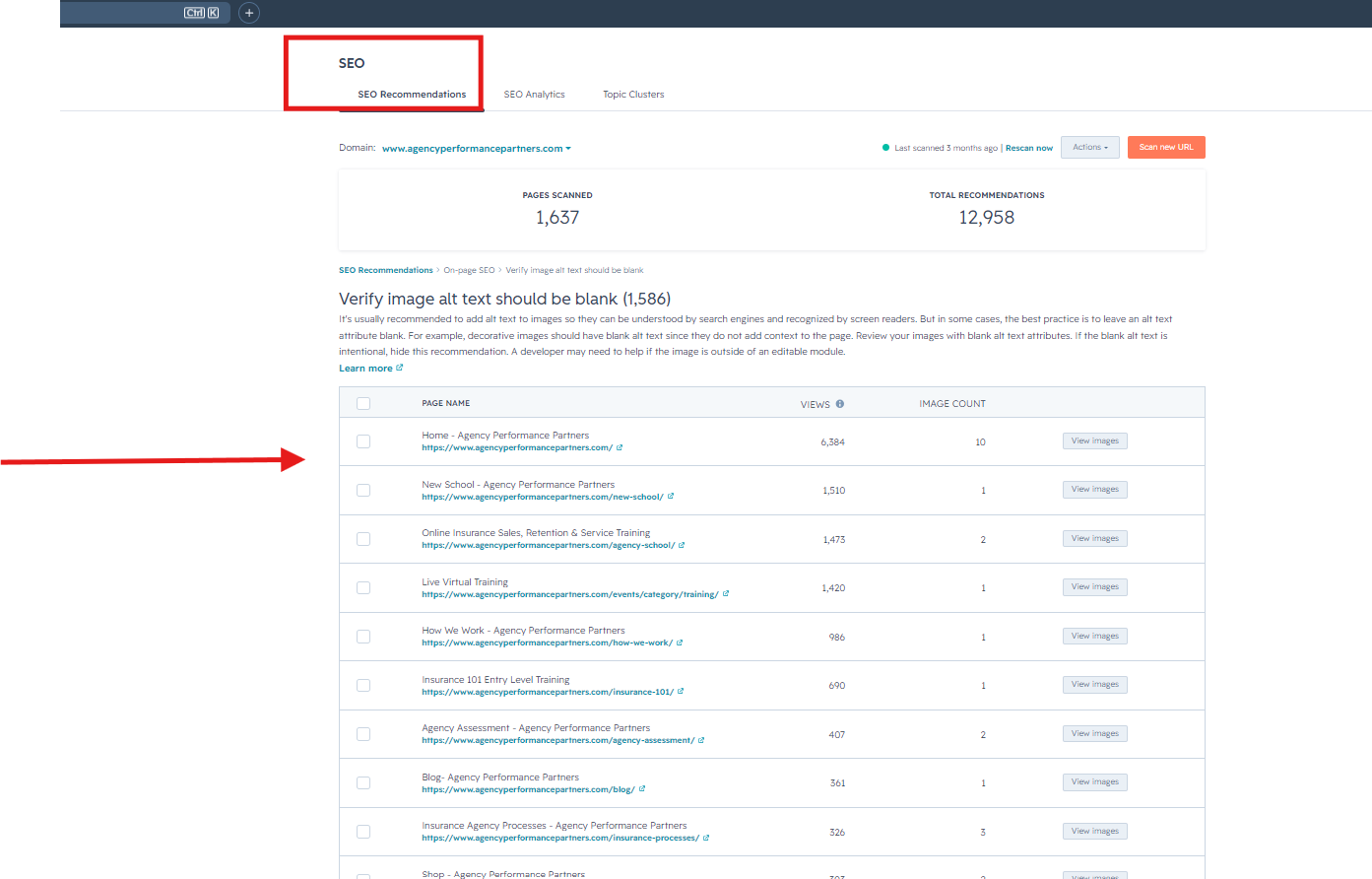 Cross-reference this list with the SEO Clean Up 2026 Sheet to identify all pages flagged under Add Meta Description.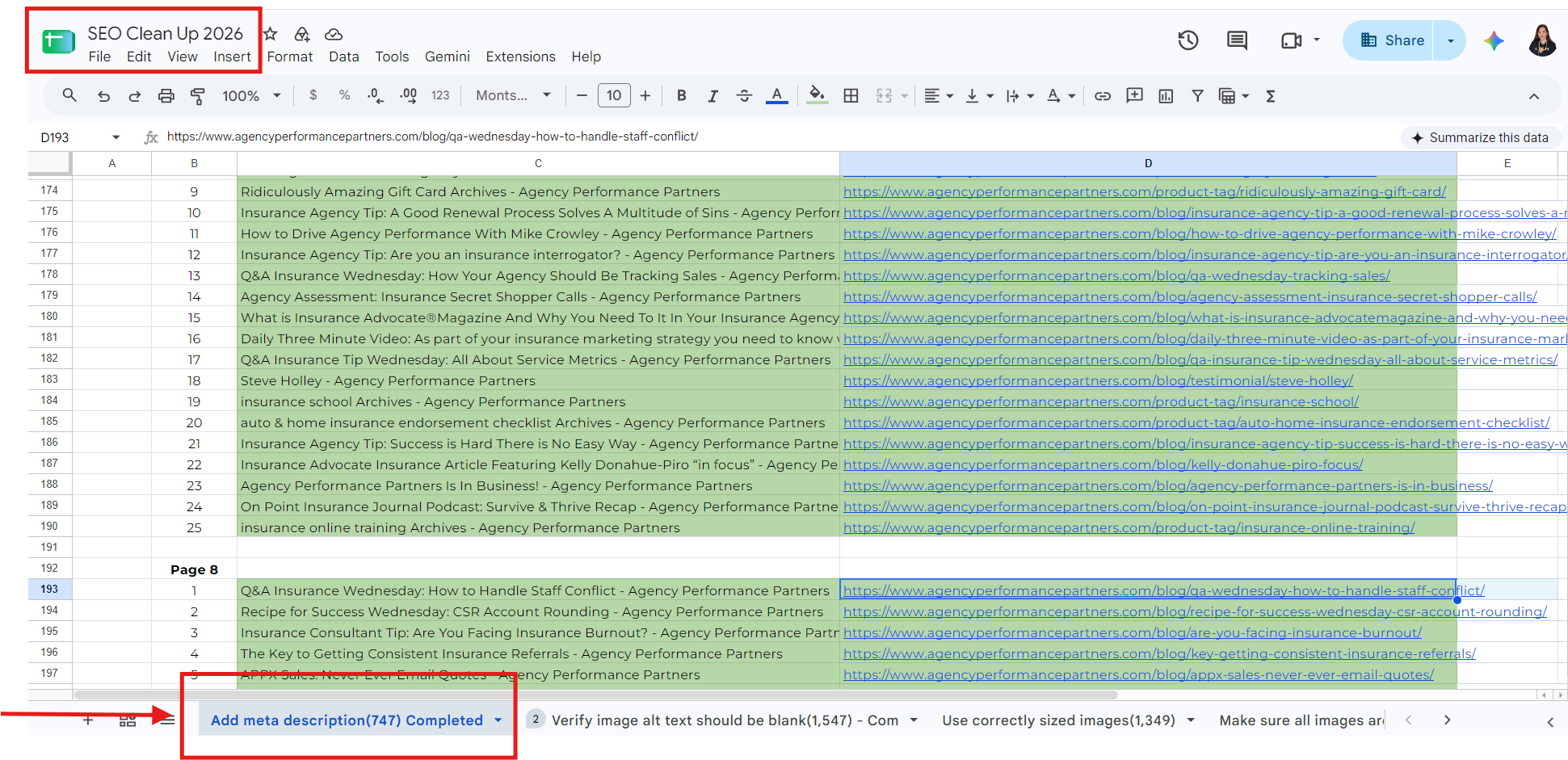
Copy the target page URLs from the SEO Clean Up 2026 Sheet.
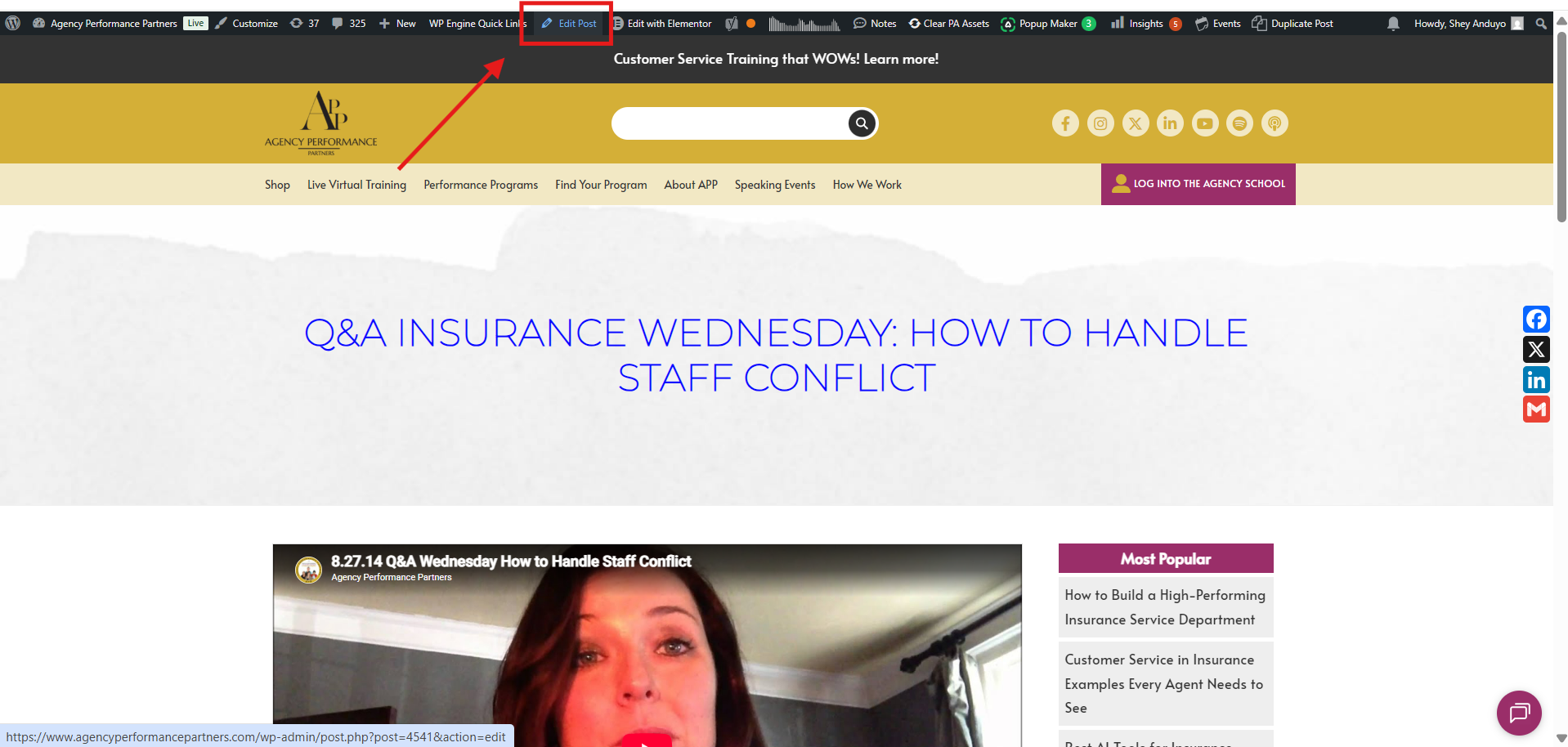
Open the links directly to access the corresponding page in WordPress, then click Edit Page at the top admin bar.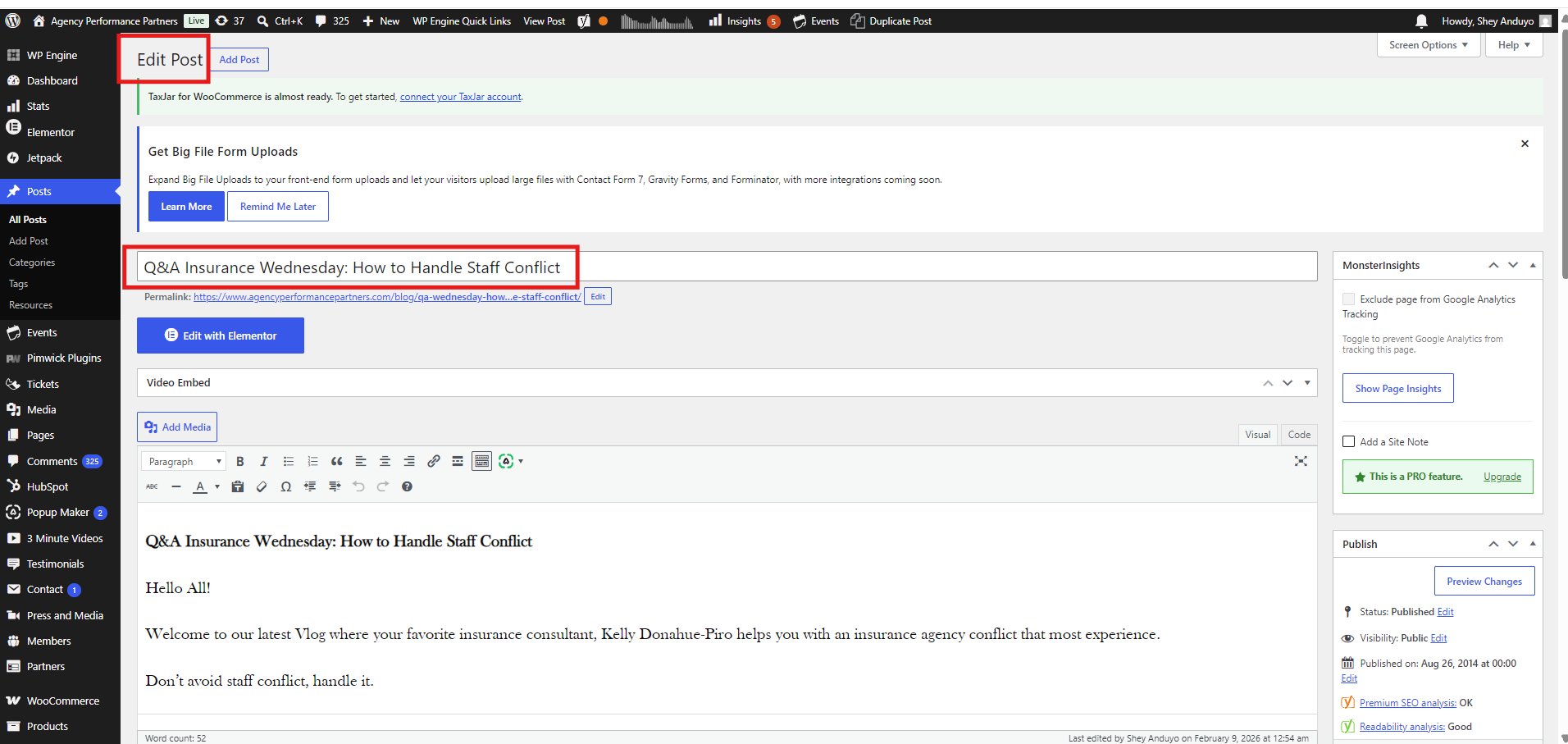
Scroll down to the SEO settings section (Yoast/RankMath) and check the Meta Description field. If the character length bar or status indicator is Red, the description needs to be updated or added.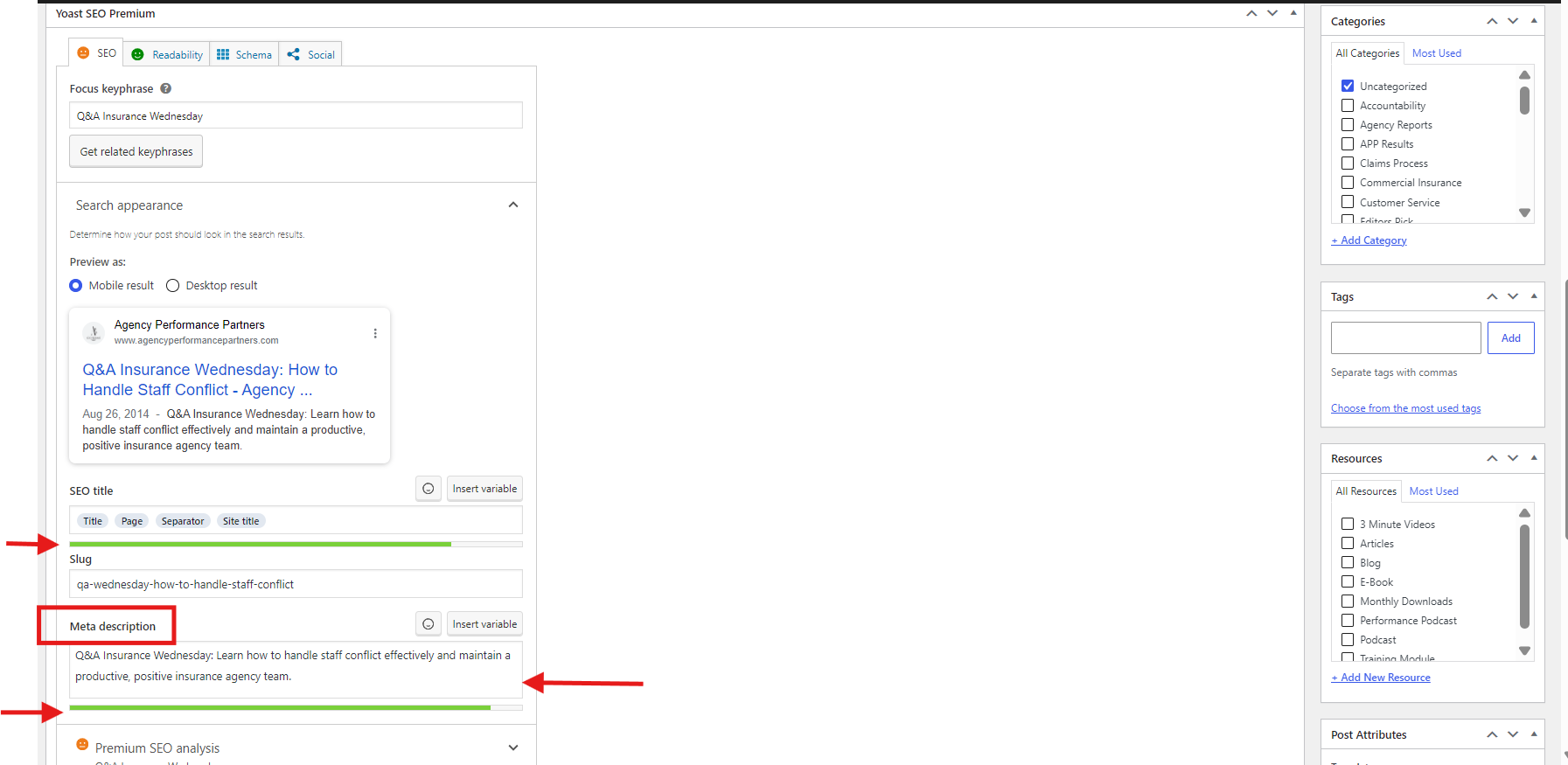
Copy the primary keyword specified for the page in your sheet. Open Gemini and run the following prompt:
"Create a 140 character meta description for this blog: [Insert Page URL or Summary]\nKeyword is: [Insert Keyword]"
5.Apply and Verify Indicator:
Achieve green status.
Paste the generated meta description into the WordPress Meta Description box.
Confirm that the status indicator changes from Red to Green. Adjust phrasing slightly if needed to fit the exact length requirement.
6.Save and Publish: Final step.On the right-hand sidebar of the WordPress editor, click
Update to publish your changes. 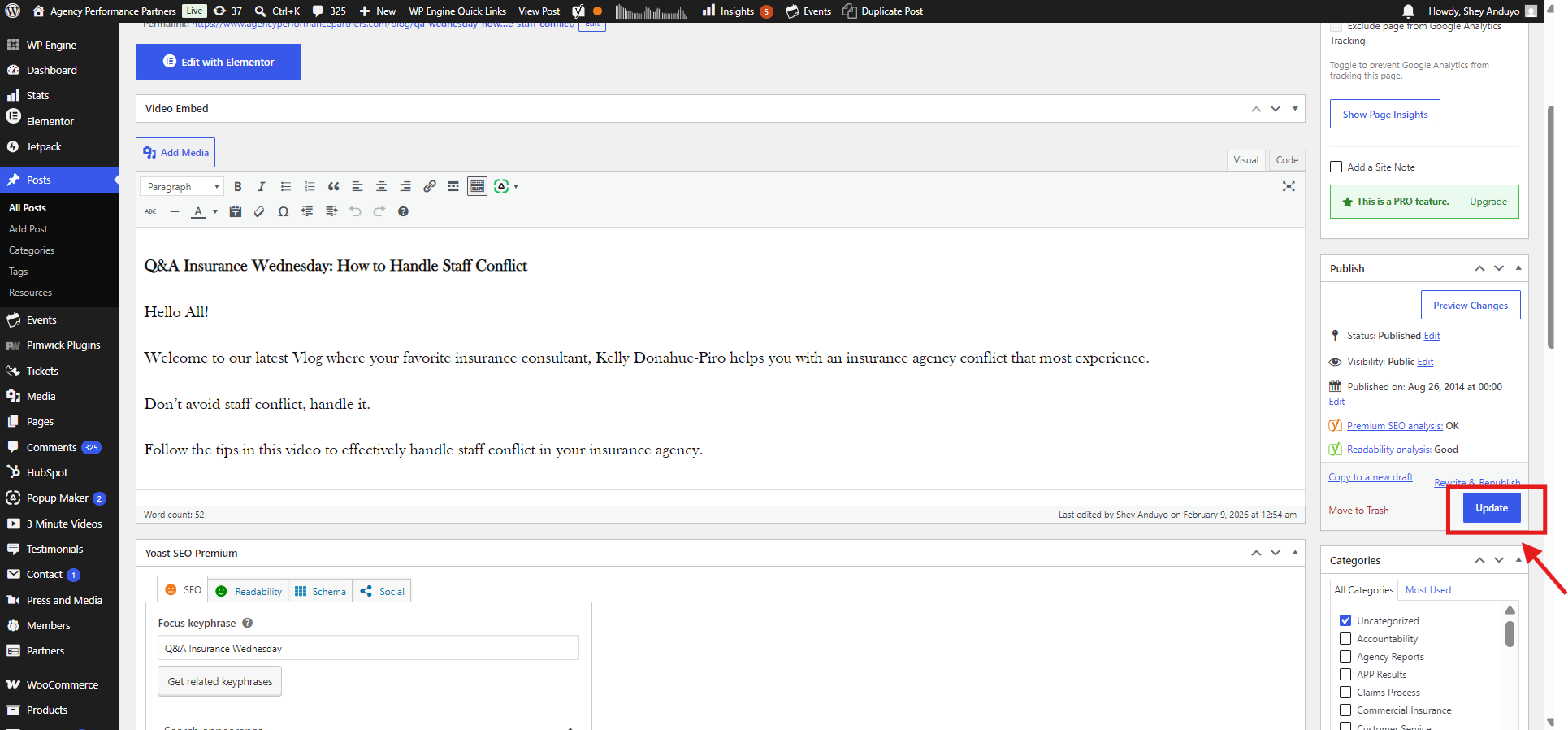 Mark the page as complete on your SEO Clean Up 2026 Sheet.