![709081_APP-Logo White_042920-2.png]](https://knowledge.agencyperformancepartners.com/hs-fs/hubfs/709081_APP-Logo%20White_042920-2.png?width=50&height=50&name=709081_APP-Logo%20White_042920-2.png)
Desired Outcome
Audit all pages flagged under the Verify image alt text should be blank recommendation in HubSpot for agencyperformance.com, ensuring every featured image contains a descriptive, keyword-aligned alt text derived from the page/blog title, with changes fully saved and updated in WordPress.
Unacceptable Actions
- Do NOT leave the image alt text, title, or description fields completely blank on featured images.
- Do NOT use generic, non-descriptive alt text such as
image1.jpg,featured image, or random numbers. - Do NOT update the image metadata in the WordPress Media Library without clicking Update on the main post/page editor to save changes.
- Do NOT alter images on domains other than
agencyperformance.comwithin this specific audit workflow.
Step-by-Step Process
1.Access HubSpot SEO Recommendations: Filter by target domain.
Navigate to HubSpot > SEO > SEO Recommendations. Filter the view by domain to select agencyperformance.com.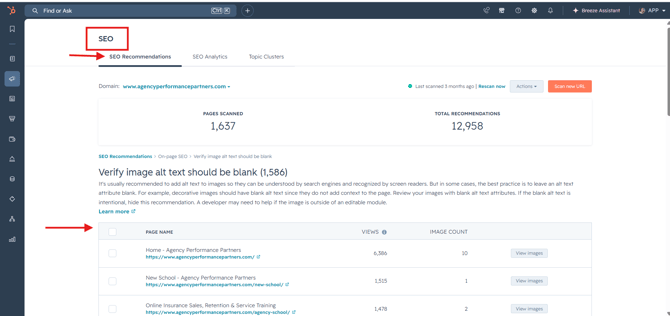
2.Export Target Pages to Tracking Sheet: Build audit inventory.
Locate the recommendation category titled Verify image alt text should be blank.
Copy all page URLs listed under this recommendation and paste them into your SEO Clean Up Sheet.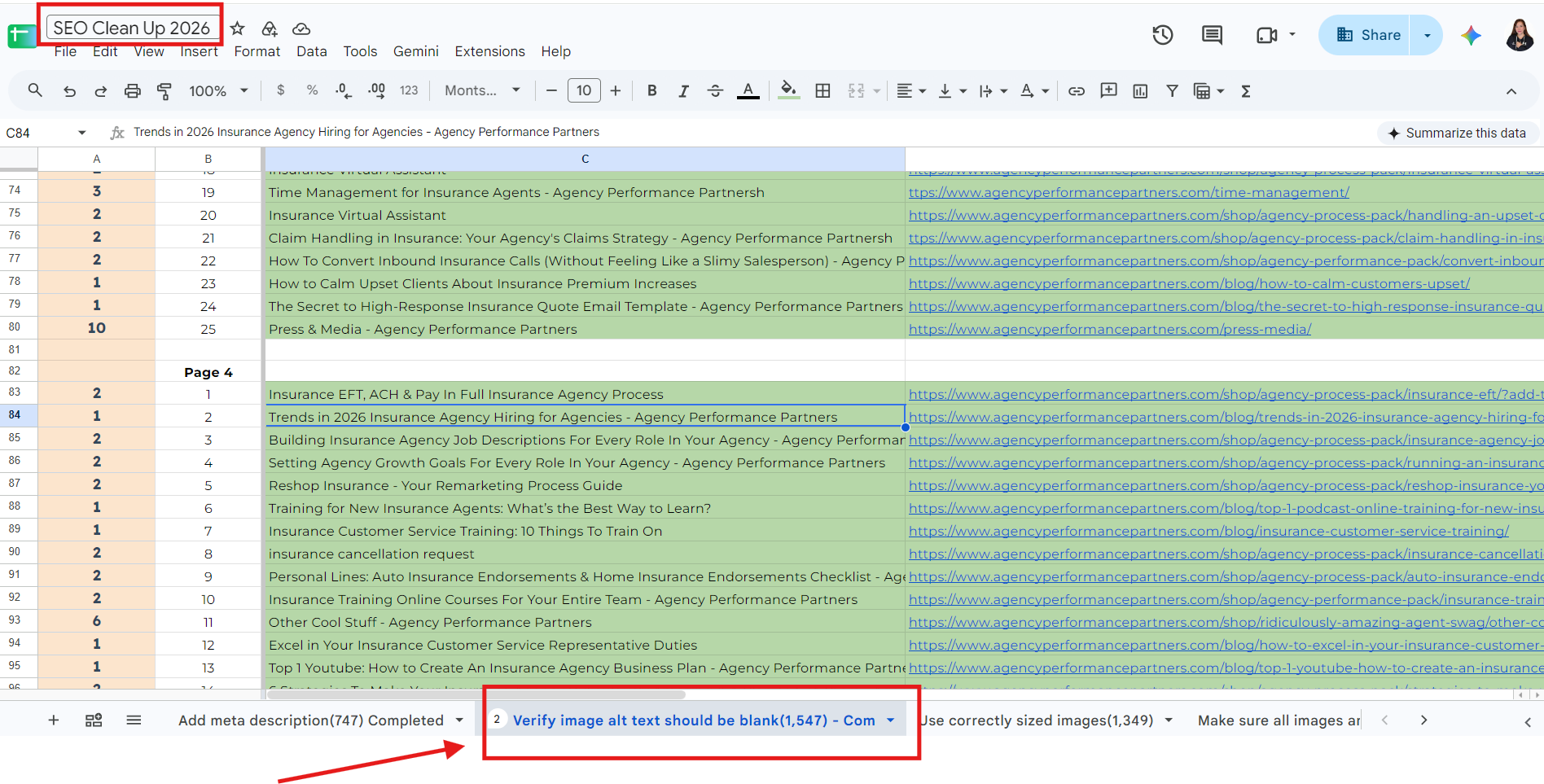
3.Access Page/Post Settings: Open WordPress editor.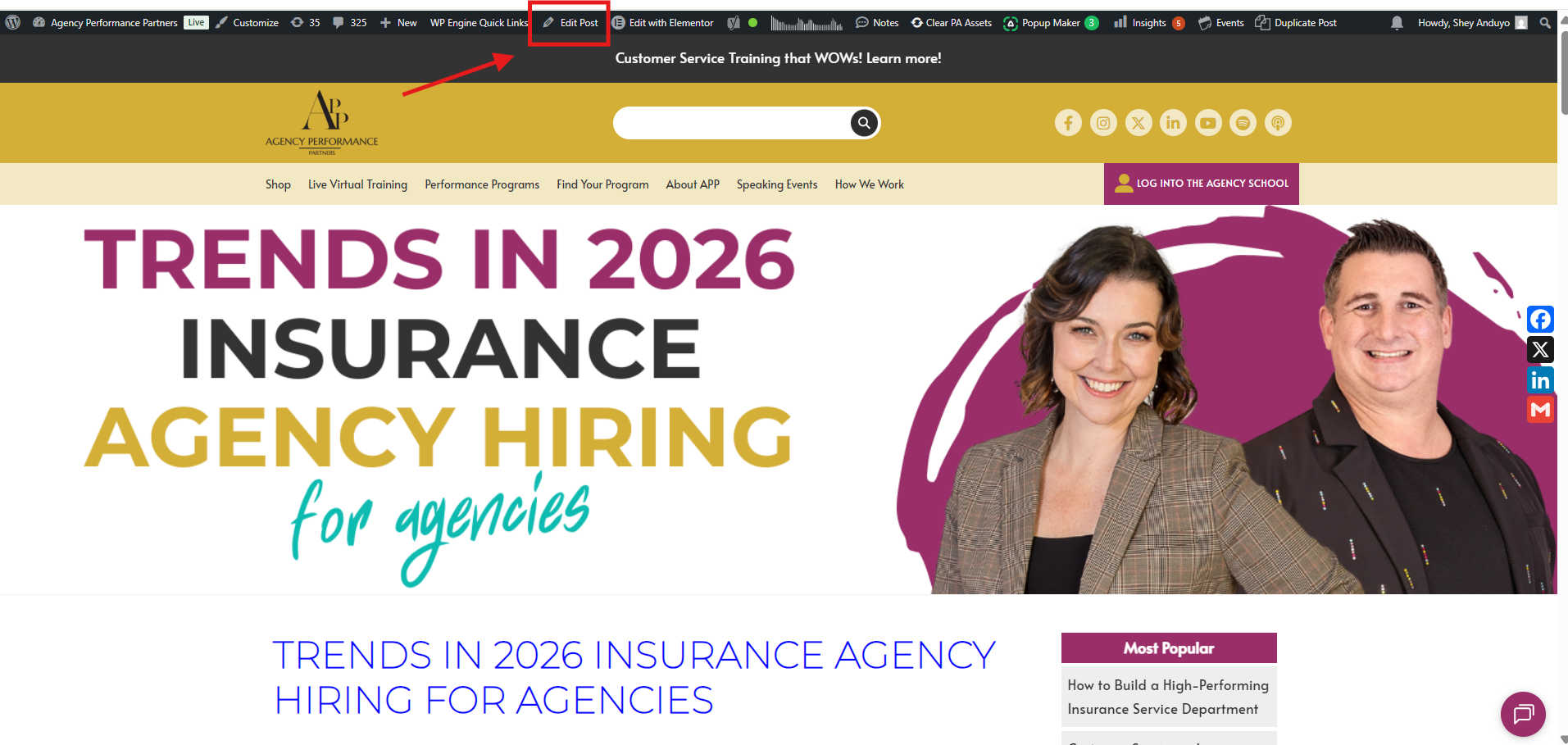
Open the copied links from your sheet to navigate directly to the target live pages.
Click Edit Post (or Edit Page) in the top WordPress admin toolbar.
4.Inspect Featured Image Metadata: Locate featured image controls.
In the right-hand sidebar editor menu, scroll down to the bottom right section and click on Featured Image.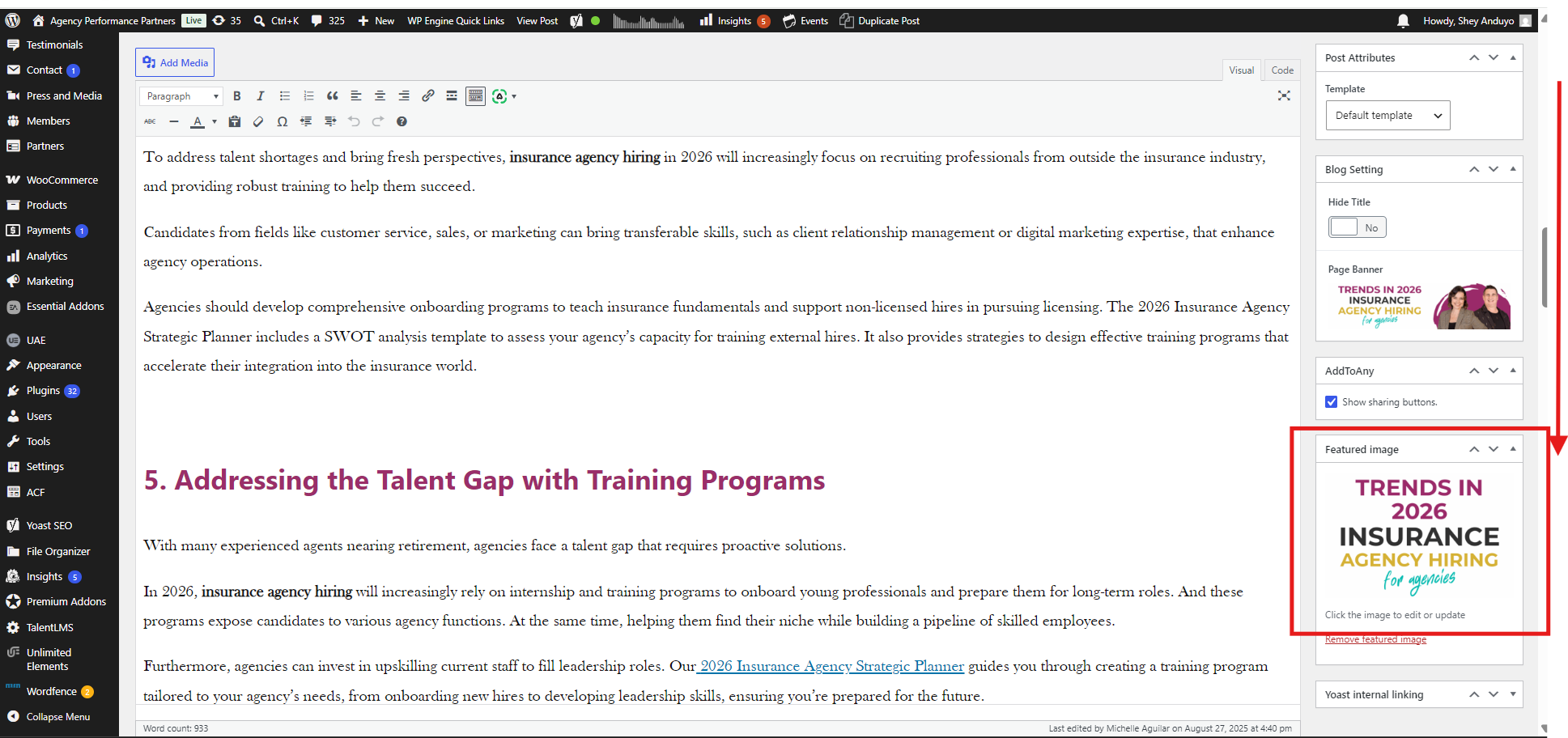
Check if the Alt Text, Title, Caption, and Description fields are blank.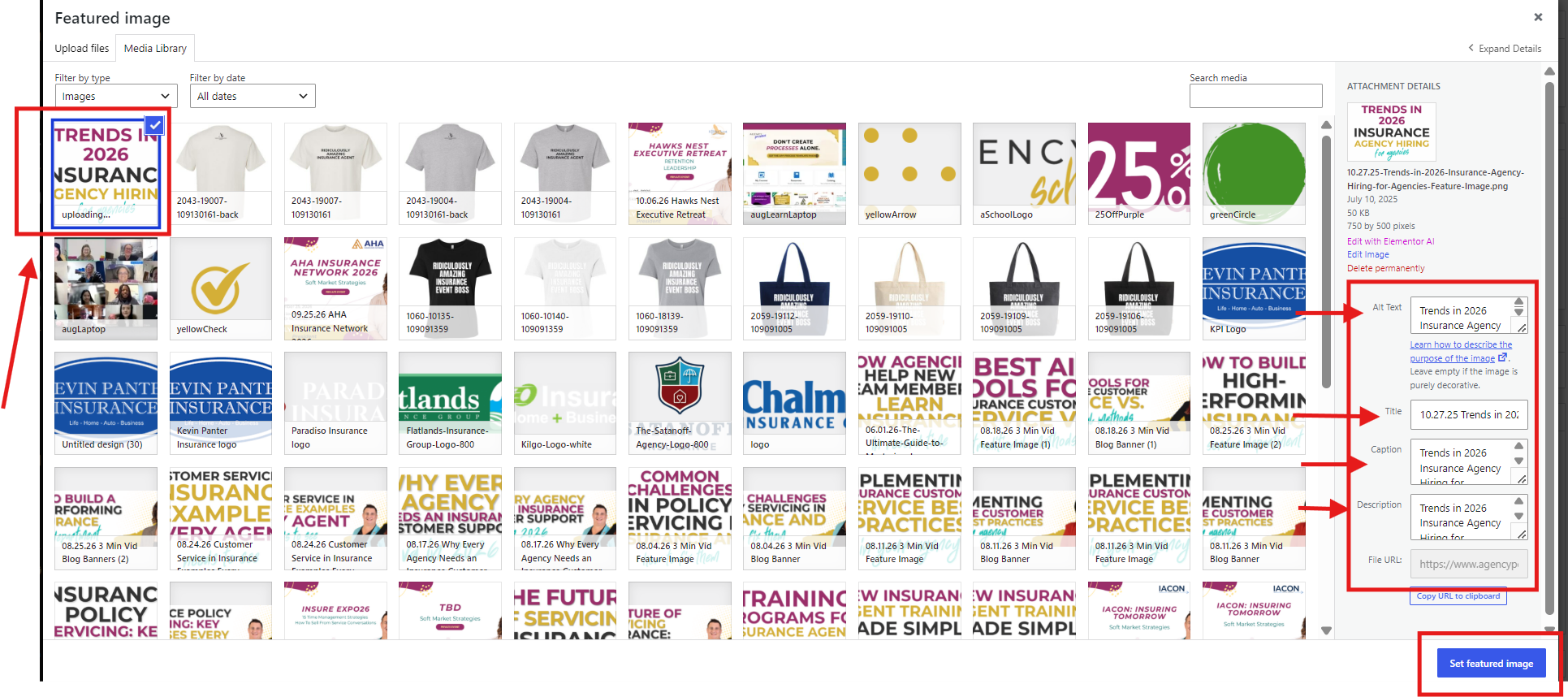
5.Populate Alt Text and Metadata: Apply page title context.
If the fields are empty, copy the main Title of the page or blog post. Paste the page title into the Alt Text field of the featured image (and complete the title/description fields as needed to ensure complete metadata coverage). 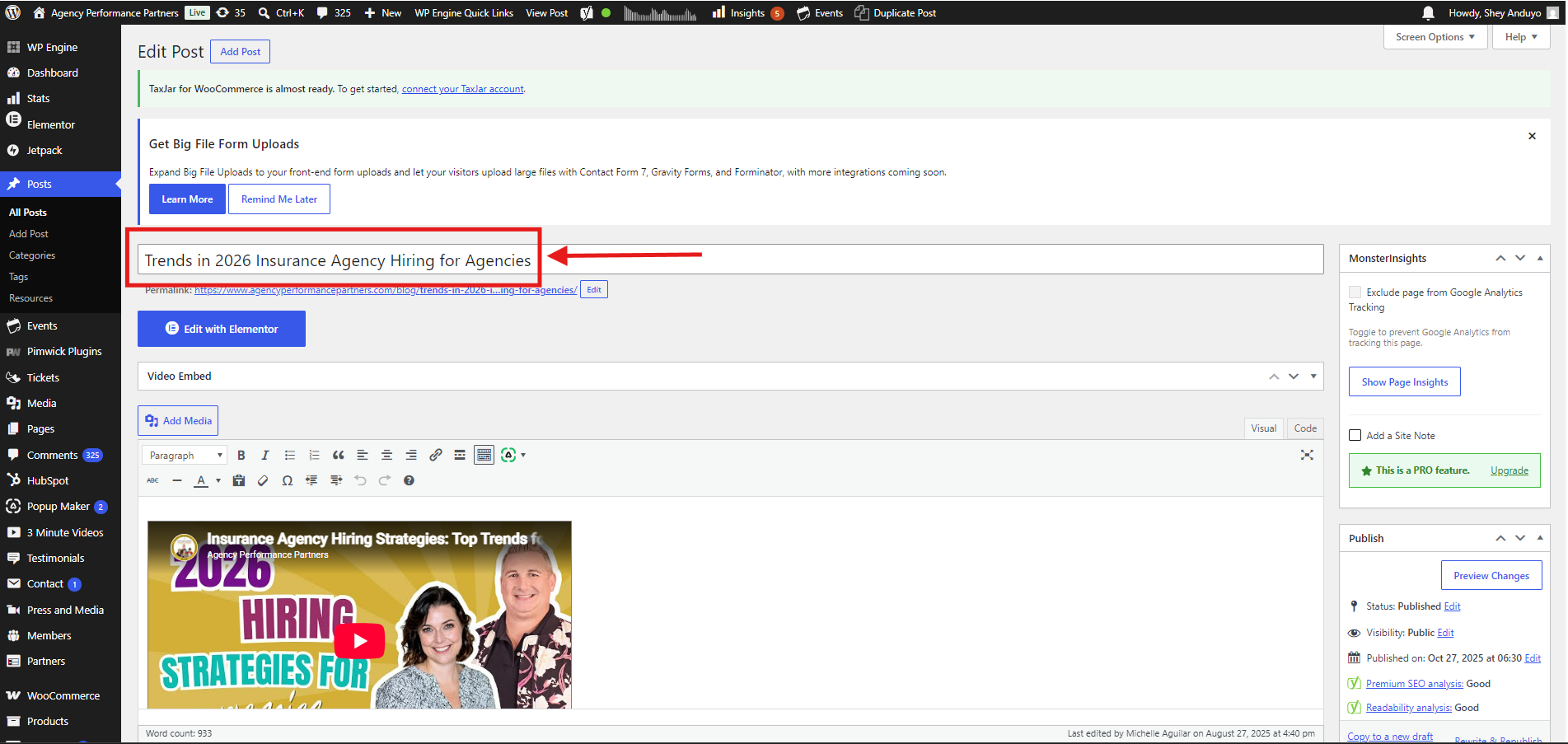
Click Select/Set Featured Image to save the media settings, then click the primary Update button at the top right of the WordPress editor. Mark the item as completed in your SEO Clean Up Sheet.