![709081_APP-Logo White_042920-2.png]](https://knowledge.agencyperformancepartners.com/hs-fs/hubfs/709081_APP-Logo%20White_042920-2.png?width=50&height=50&name=709081_APP-Logo%20White_042920-2.png)
To ensure every Agency Performance Partners website page is accurate, visually consistent, fully functional, and aligned with the company's branding standards before it is published or updated.
Desired Outcome
- Every website page follows APP's design and branding standards.
- All buttons, forms, and links work correctly.
- Content is free of spelling and formatting errors.
- Users can easily navigate the page and access the correct resources.
- Any issues discovered during the audit are documented with direct links for correction.
Unacceptable Actions
- Skipping sections of the website during the audit.
- Assuming buttons or links work without testing them.
- Ignoring spelling, capitalization, or formatting inconsistencies.
- Leaving broken links or incorrect redirects undocumented.
- Completing an audit without providing detailed notes for corrections.
- Using a checklist other than the Website Master List Checklist.
Website Audit Process
Sample Pages for Audit
Use the Website Master List Checklist as your guide throughout the audit.
Part 1 – Title & Header Section
Review the top section of the webpage carefully.
Verify the following:
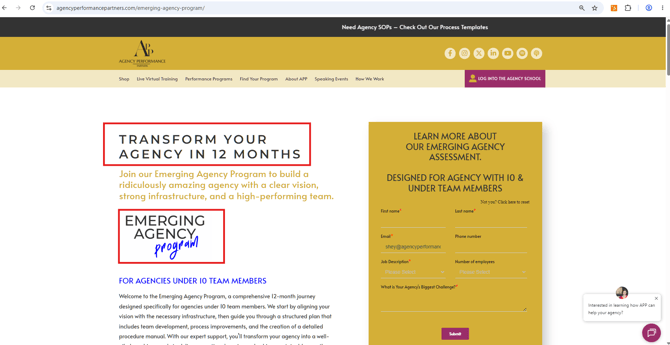
Main Title (H1)
- Uses ALL CAPITAL LETTERS
- Matches the approved page title
- No spelling or formatting errors
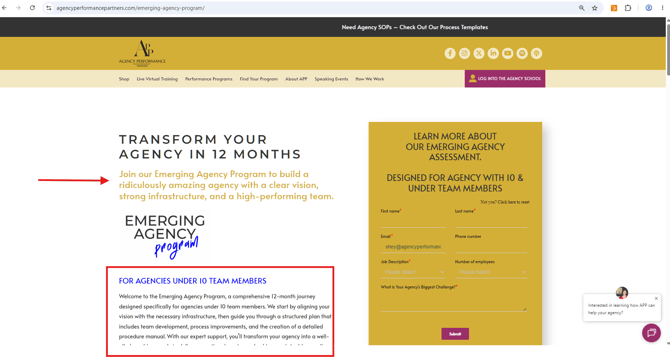
Second Line (H2)
- Uses Yellow Text
- Correct font size and formatting
- Proper spacing
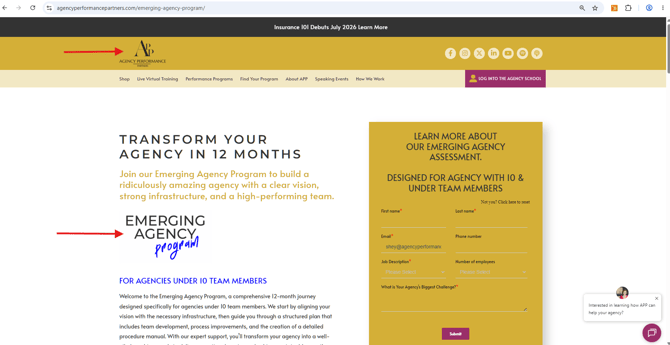
Course or Program Logo
- Correct logo displayed
- High-quality image
- Proper alignment
- Not stretched or blurry
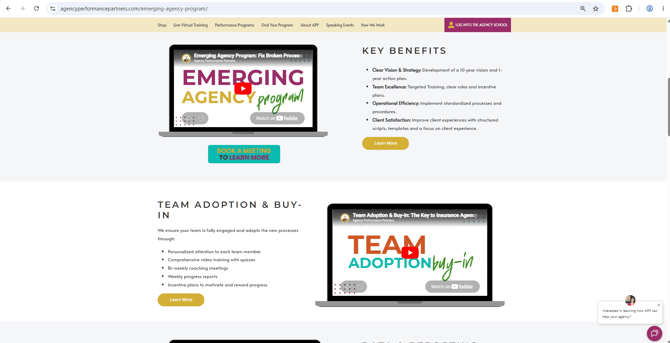
Third Line (H3)
- Uses ALL CAPITAL LETTERS
- Blue Text
- Matches approved copy
Additional Paragraph
- Correct wording
- Proper spacing
- Grammar and spelling checked
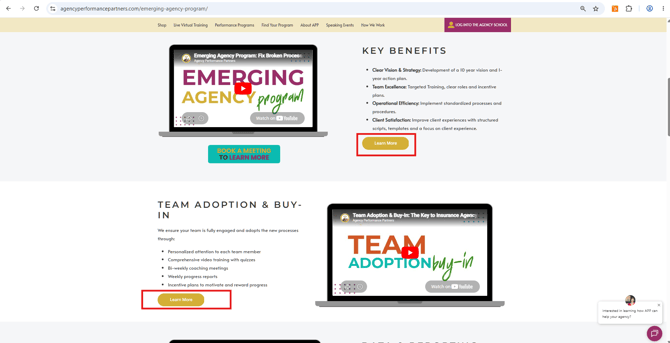
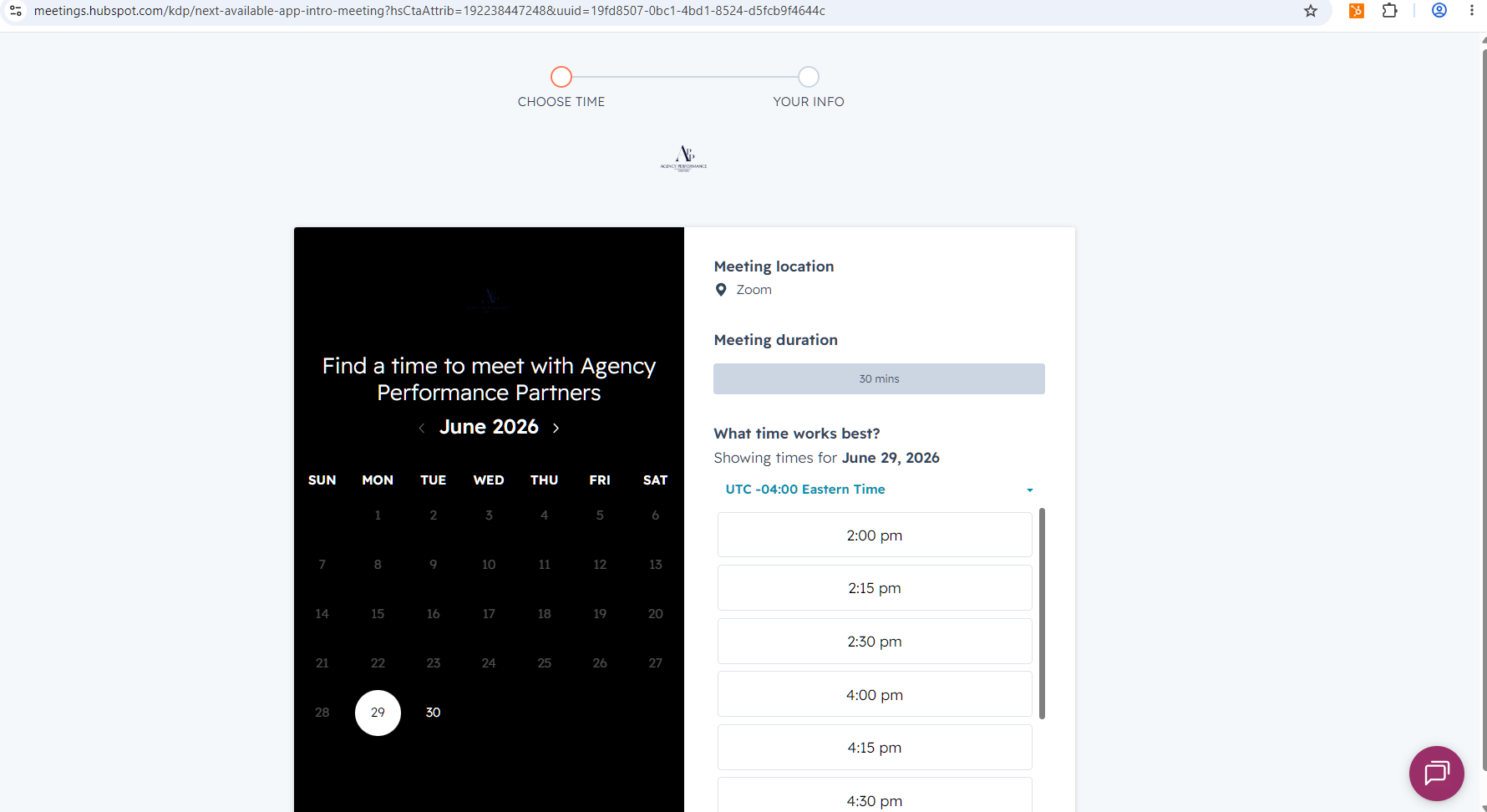
Learn More Button
- Button is visible
- Correct button styling
- Link directs to the correct page
- Opens properly
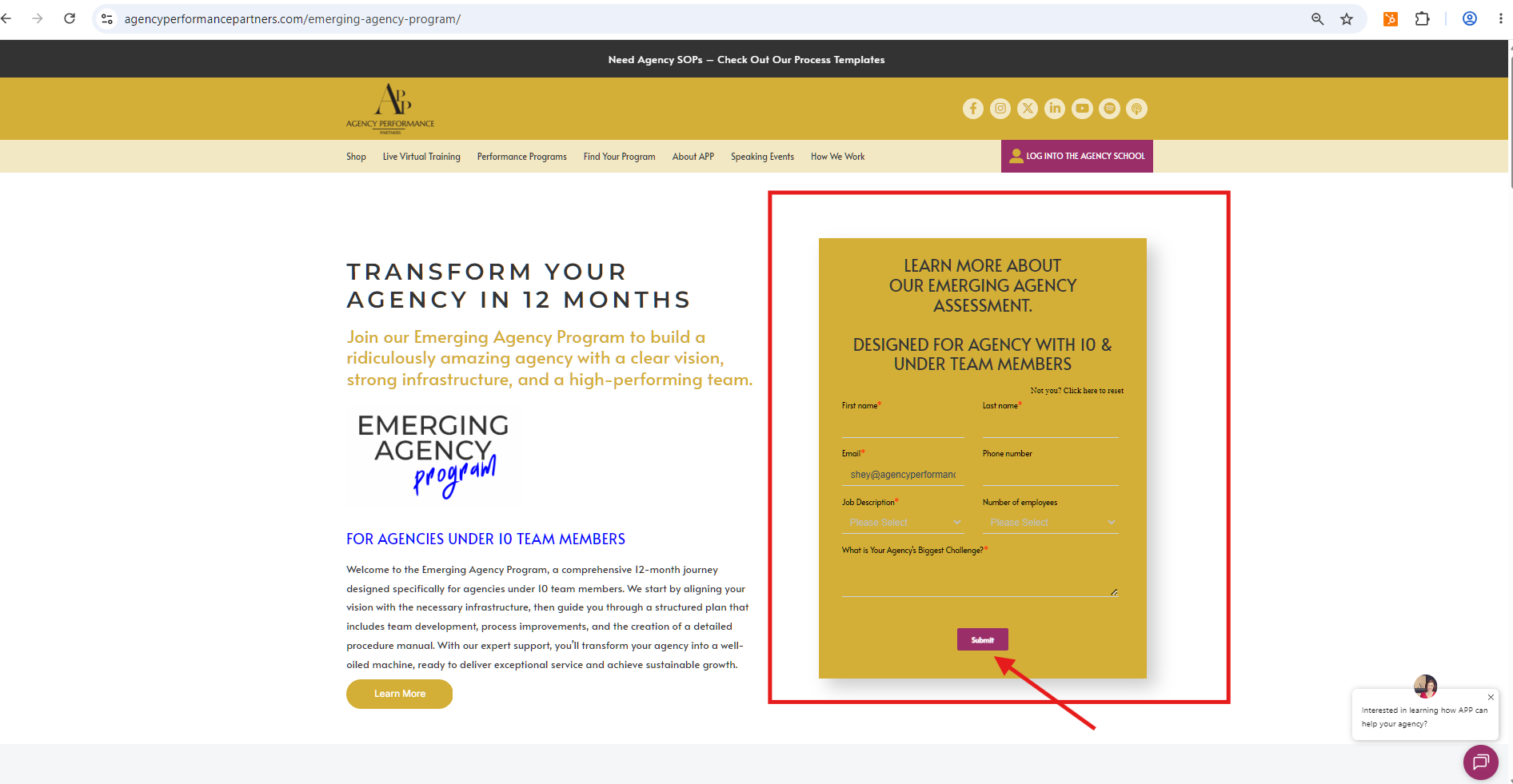
Form or Spiffy Form
- Yellow box displays correctly
- Form loads properly
- Required fields appear correctly
- Form can be submitted successfully
Part 2 – Content Section
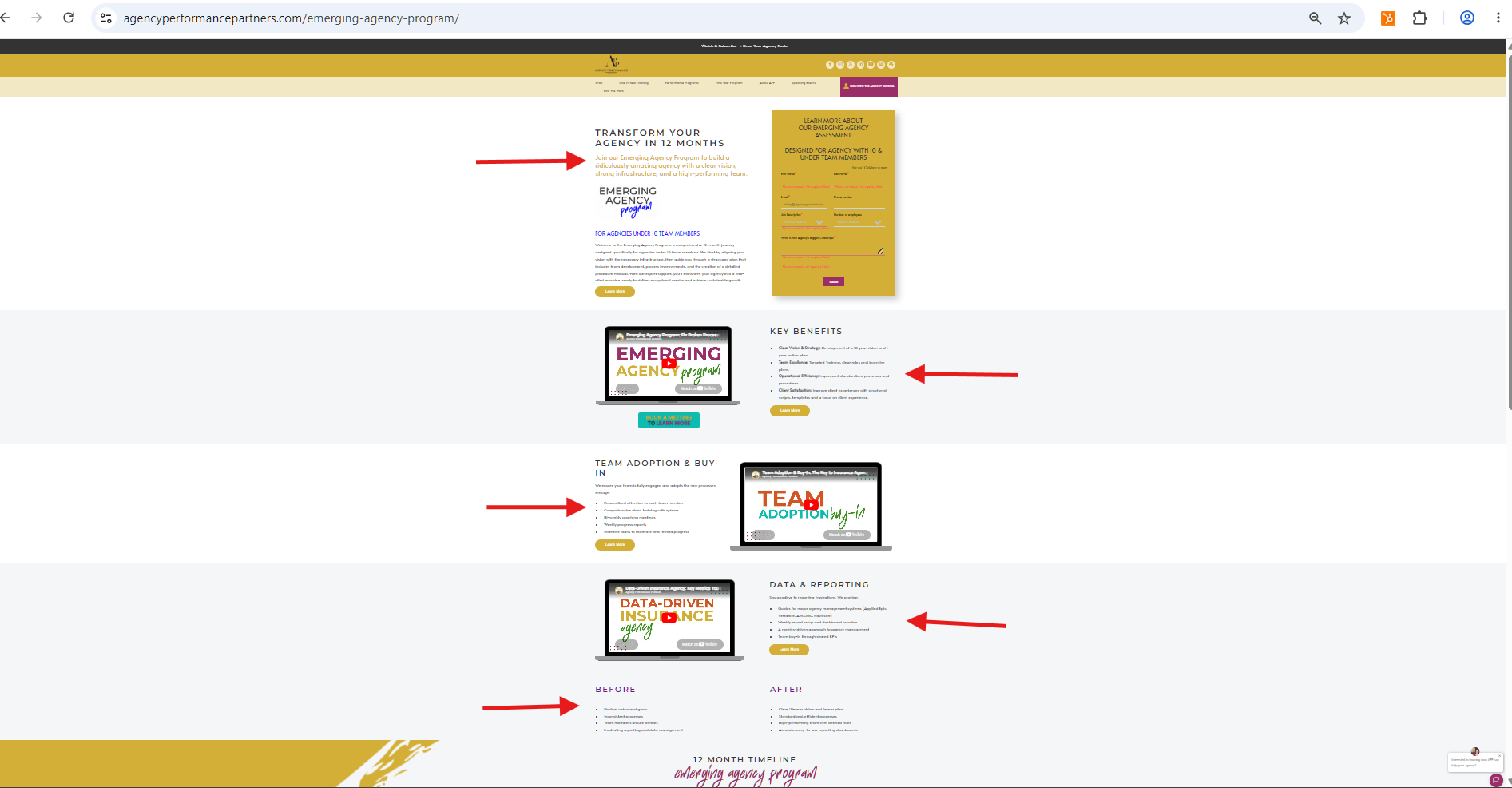
Review the entire body of the page.
Check:
- Content formatting
- Images display correctly
- Text alignment
- Buttons are visible
- Every button links to the correct destination
- No duplicate or unnecessary content
Part 3 – Timeline Section
Carefully inspect the timeline.
Verify:
Timeline Heading
- Correct spelling
- Proper formatting
12-Month Timeline
- All 12 months are included
- Correct order
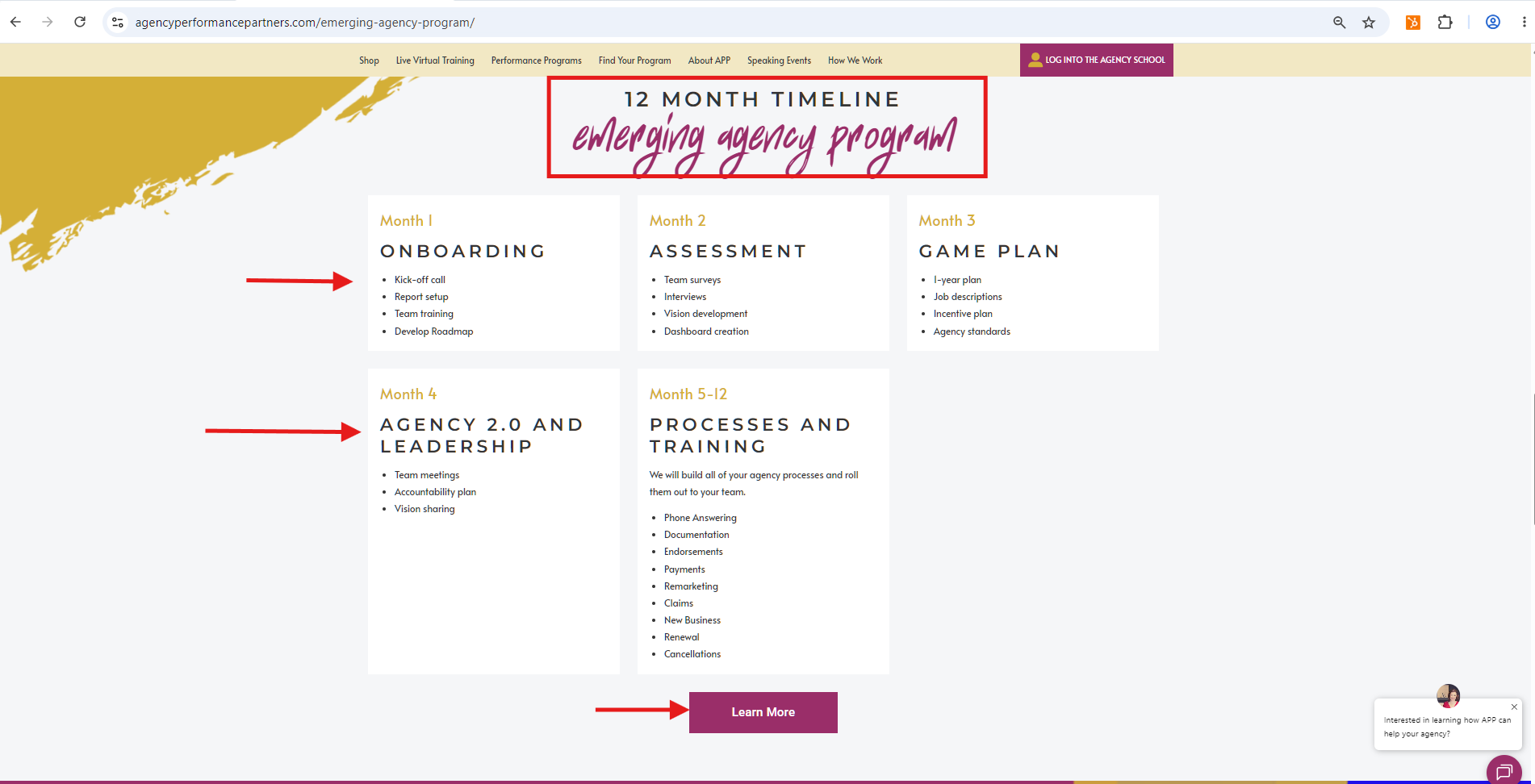
Month Labels
- Yellow text
- Consistent styling
Timeline Title
- Uses Heading 2 (H2)
- Correct formatting
- Proper spacing
Timeline Buttons
- Every button works
- Links direct to the correct page
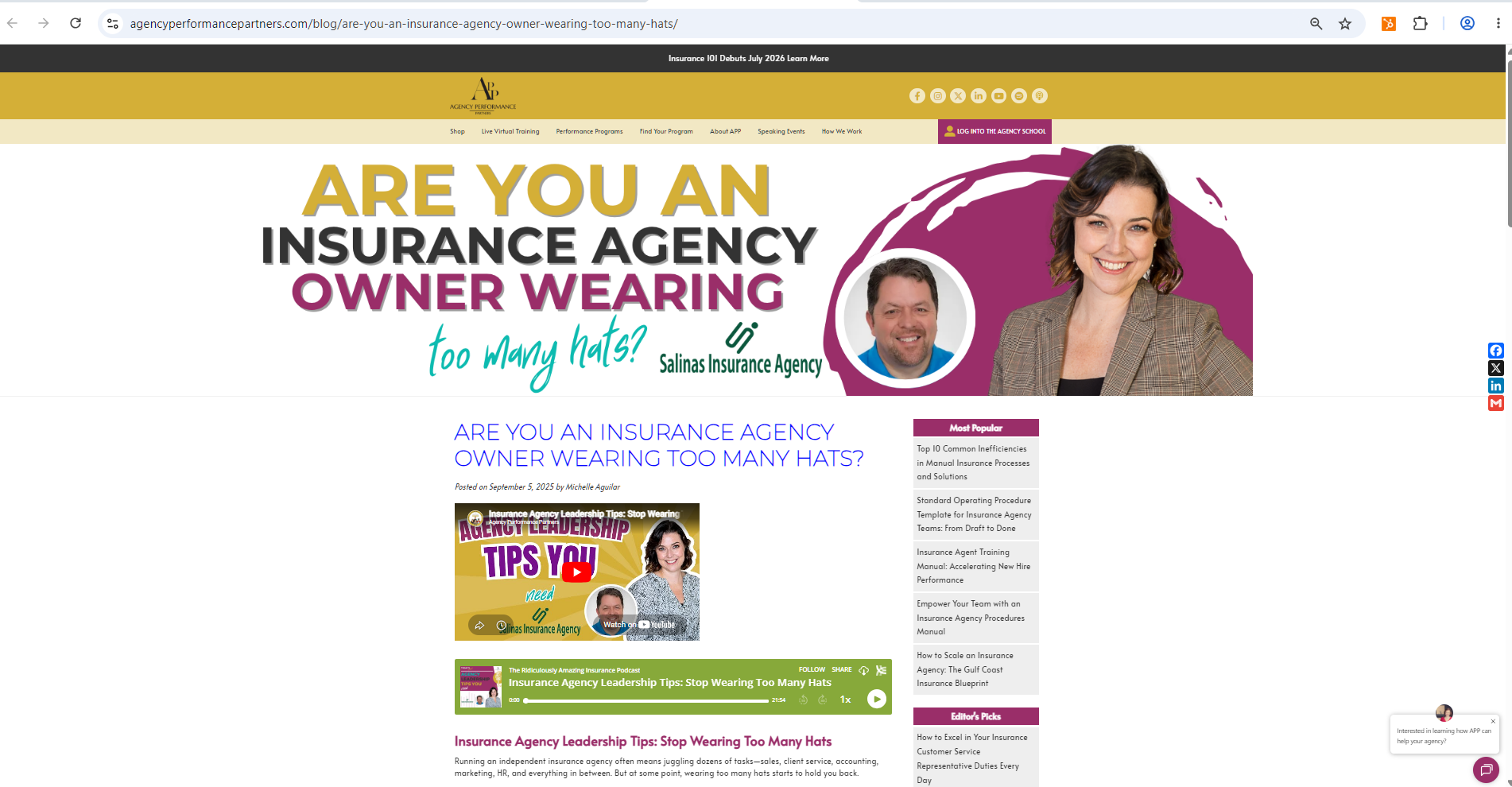
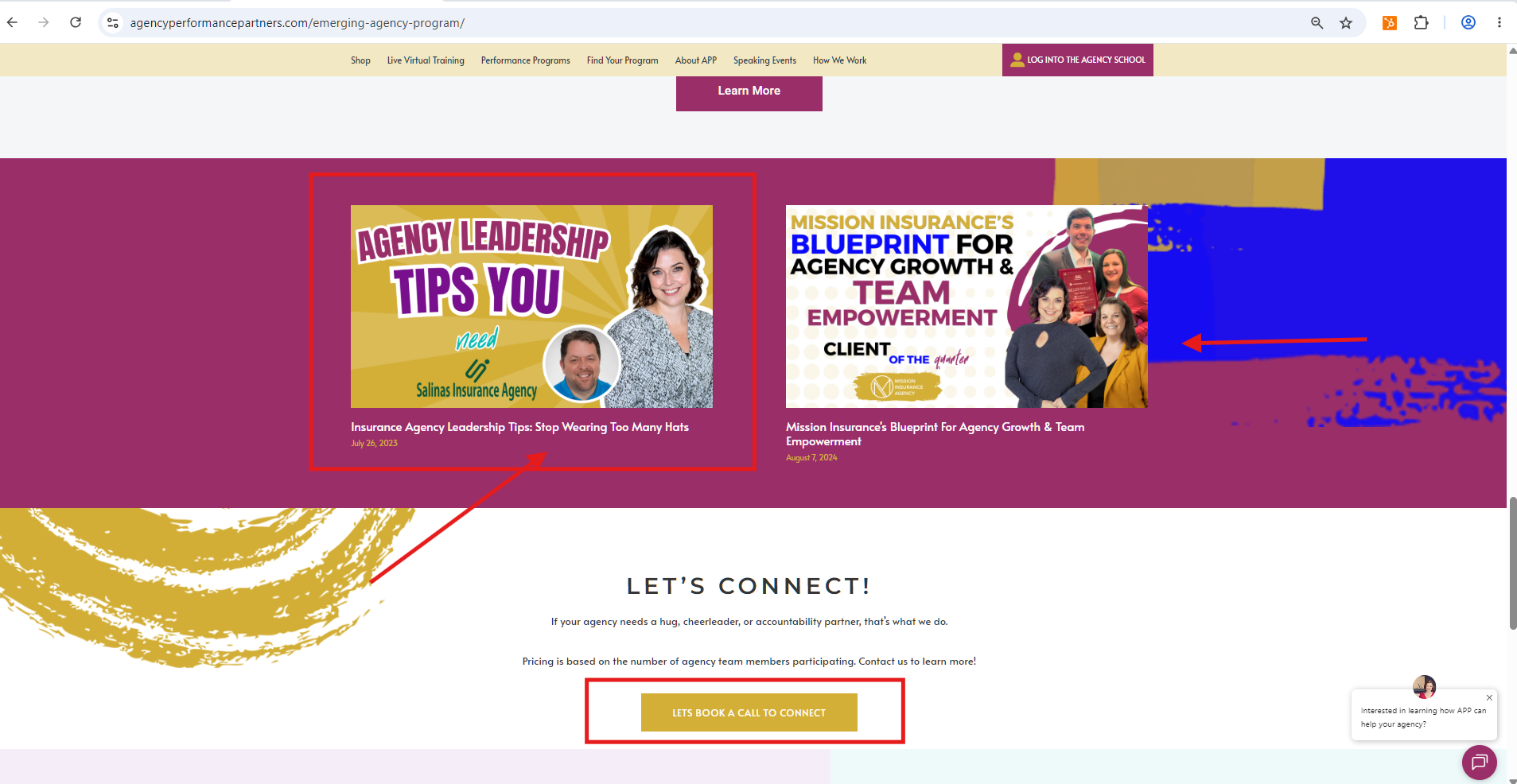
Part 4 – Blog Section
Review every featured blog.
Verify:
- Featured image displays correctly
- Image links to the correct blog
- Blog title is correct
- Blog publication date is accurate
- No broken links
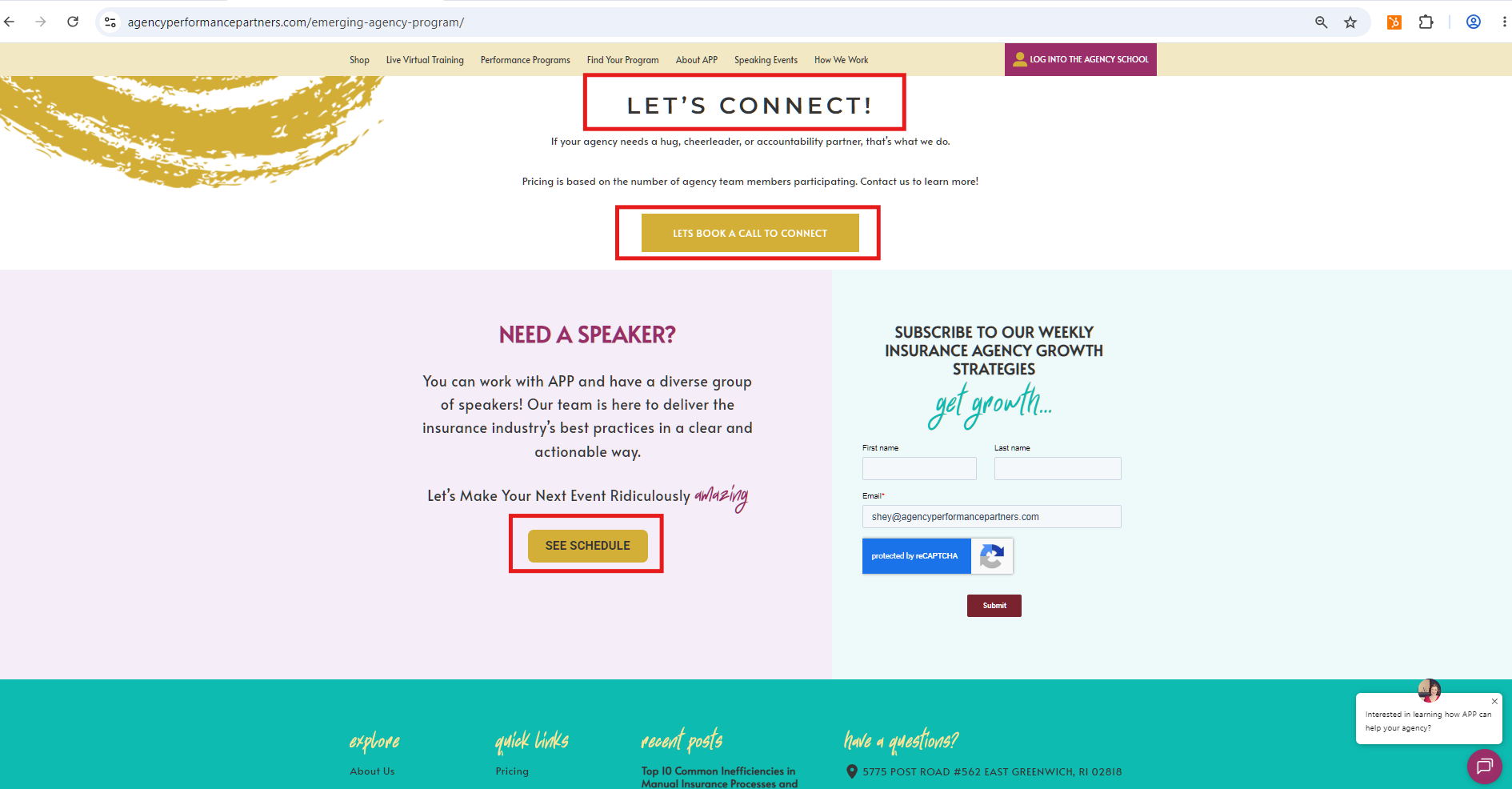
Part 5 – Let's Connect Section
Review the final section of the page.
Verify:
- All buttons work correctly
- Buttons direct users to the proper destination
- Styling matches the website
Other Items to Check
Spelling & Grammar
Review the entire page for:
- Misspelled words
- Grammar mistakes
- Missing punctuation
Font Formatting
Verify that:
- fearless is always written in lowercase letters
- Font styles remain consistent throughout the page
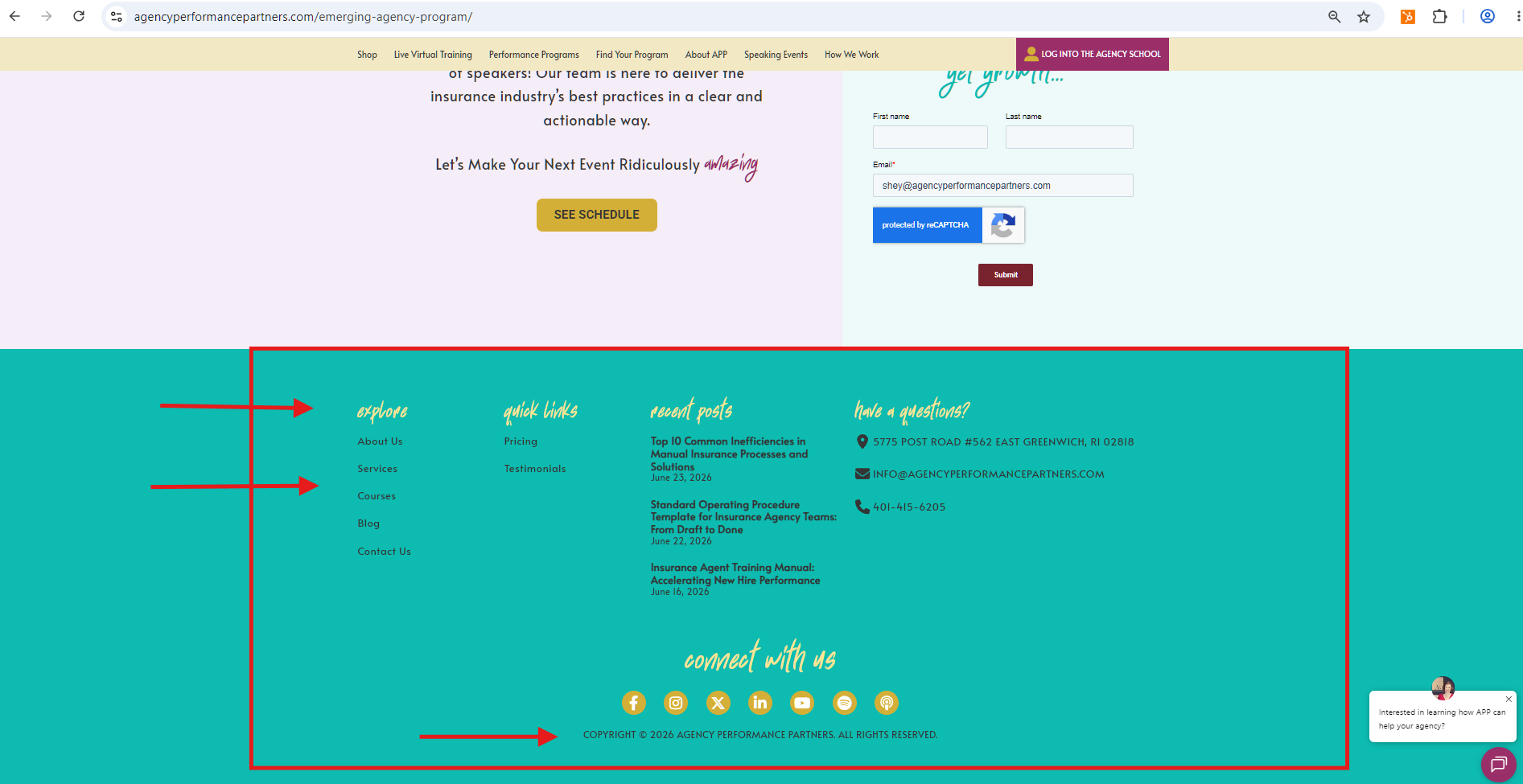
Footer
Inspect the footer carefully.
Confirm:
- Every footer link works
- Social media icons display correctly
- Social media icons link to the correct pages
- Copyright information is accurate
Documenting Corrections
Whenever you find an issue:
- Record exactly what needs to be corrected.
- Include the webpage URL.
- Add the direct link to the section needing correction.
- Clearly explain the issue so it can be fixed quickly.
Example:
Issue: Learn More button links to the wrong page.
Location: Performance Programs Page
Correction Needed: Update button URL to the correct program page.
Link: (Insert webpage URL)
Key Reminder
A website audit is more than checking appearance—it ensures every visitor has a seamless experience. Test every button, verify every link, review every section, and document all issues with clear notes and the corresponding webpage links so corrections can be made efficiently.